

Best Home Office Desk Accessories on Amazon in 2026 — Tested & Ranked
A cluttered desk kills productivity. Here are the best home office desk accessories on Amazon that will instantly upgrade your workspace — from the ultimate ergonomic mouse to a premium monitor arm.
At a glance
Shop the Featured Picks
Tap any pick to check current availability.
| Pick | Why it is here | Shop |
|---|---|---|
| Logitech MX Master 3S | Featured buying-guide option | Check price → |
| Ergotron LX Monitor Arm | Featured buying-guide option | Check price → |
| Knodel Desk Pad | Featured buying-guide option | Check price → |
| Anker 332 USB-C Hub | Featured buying-guide option | Check price → |
Best Home Office Desk Accessories on Amazon in 2026 — Tested & Ranked
Whether you work from home full-time or just need a dedicated space to handle life admin, your desk setup dictates your productivity. A cluttered, uncomfortable workspace leads to a cluttered, unfocused mind. But a dialed-in desk? That's where the magic happens.
Over the past year, I've tested dozens of desk accessories to find the ones that actually improve the work-from-home experience. I'm not talking about cheap plastic organizers that break in a month. I'm talking about high-utility, well-designed upgrades that solve real problems — like cable chaos, neck strain, and limited desk space.
Here are the best home office desk accessories on Amazon in 2026 that will instantly upgrade your workspace.
Quick Picks
| Product | Best For |
|---|---|
| Logitech MX Master 3S | The ultimate productivity mouse |
| Ergotron LX Monitor Arm | Premium monitor mounting |
| Knodel Leather Desk Pad | Protecting your desk in style |
| Anker 332 USB-C Hub | Expanding laptop ports |
---
1. The Ultimate Productivity Mouse: Logitech MX Master 3S
If you spend more than four hours a day at a computer, you need an ergonomic mouse. The Logitech MX Master 3S is widely considered the gold standard for productivity, and after using it daily, I completely understand why.
What makes it special is the MagSpeed scroll wheel. It can scroll 1,000 lines per second in free-spin mode, but stops on a pixel when you need precision. The ergonomic shape fits perfectly in the hand, reducing wrist fatigue. Plus, it has "Quiet Clicks," which deliver a satisfying tactile feel with 90% less noise — perfect if you share an office or take a lot of calls.
Why it's great:
- 8K DPI sensor tracks on any surface, even glass
- Connects to 3 devices simultaneously via Bluetooth or USB receiver
- Battery lasts up to 70 days on a single charge
The downside: It's a full-size mouse designed for right-handed users only. If you're left-handed or prefer a compact mouse, look elsewhere.
👉 Buy the Logitech MX Master 3S on Amazon →
---
2. Premium Monitor Mounting: Ergotron LX Monitor Arm
Monitor stands take up valuable desk real estate. A good monitor arm reclaims that space while allowing you to position your screen at the exact ergonomic height to prevent neck strain.
The Ergotron LX is the premium choice for a reason. While cheap gas-spring arms tend to sag or wobble over time, the Ergotron LX is built like a tank. It holds monitors up to 34 inches and 25 lbs with rock-solid stability. The patented Constant Force technology allows you to adjust the monitor with just a light touch — no tightening knobs required. It's an investment, but it's one that will outlast your next three monitors.
Why it's great:
- Unmatched build quality and long-term stability
- Frees up massive amounts of desk space underneath the monitor
- Incredible range of motion — extends 25 inches, lifts 13 inches
The downside: It's one of the pricier monitor arms on the market. If you're on a tighter budget, the HUANUO single monitor arm is a solid alternative.
👉 Buy the Ergotron LX Monitor Arm on Amazon →
---
3. Protecting Your Desk in Style: Knodel Leather Desk Pad
A good desk pad serves multiple purposes: it protects your desk surface from scratches and spills, acts as a massive mousepad, and visually anchors your entire workspace.
The Knodel Leather Desk Pad is my top pick because it punches way above its price class. Made from durable PU leather, it looks and feels premium without the high maintenance of real leather. It's waterproof, meaning coffee rings wipe away instantly, and it provides just the right amount of friction for precise mouse movements. It also lays perfectly flat right out of the box — a common issue with cheaper alternatives.
Why it's great:
- Waterproof PU leather is easy to clean with a damp cloth
- Doubles as an excellent large mousepad
- Available in multiple sizes and dual-color options
The downside: PU leather is not as durable as genuine leather over many years of heavy use. Expect to replace it every 2-3 years with daily use.
👉 Buy the Knodel Desk Pad on Amazon →
---
4. Expanding Laptop Ports: Anker 332 USB-C Hub (5-in-1)
Modern laptops are incredibly powerful, but they severely lack ports. If you want to connect a monitor, a wired keyboard, and an external hard drive simultaneously, you need a hub.
The Anker 332 is the perfect minimalist solution. It's compact, reliable, and provides exactly what most people need: a 4K HDMI port, a 5 Gbps USB-C data port, two USB-A ports, and 100W power delivery pass-through. Plug a single cable into your laptop and you're connected to all your peripherals while your device charges at full speed. Anker's build quality is also exceptional — this is not a hub that will fail in six months.
Why it's great:
- 100W Power Delivery keeps your laptop fully charged
- Small and light enough to travel with every day
- Anker's proven reliability and 18-month warranty
The downside: It only has one HDMI port, so it won't support dual external monitors. For a dual-monitor setup, you'll need a more powerful docking station.
👉 Buy the Anker 332 USB-C Hub on Amazon →
---
Frequently Asked Questions
Are monitor arms worth the money?
Absolutely. A monitor arm is one of the highest-impact upgrades you can make to a home office. It immediately frees up desk space underneath the monitor and allows you to adjust the screen to proper eye level, which drastically reduces neck and shoulder pain over the course of a workday.
Do I really need an ergonomic mouse?
If you work at a desk full-time, yes. Standard mice force your wrist into an unnatural pronated position for hours at a time. Ergonomic mice like the MX Master 3S support your hand in a more neutral resting position, which can prevent repetitive strain injuries over time. The difference in daily comfort is significant.
How do I clean a PU leather desk pad?
The beauty of PU leather is how easy it is to maintain. Simply wipe it down with a damp cloth for everyday cleaning. For tougher spills, a mild soap and water solution works perfectly. Avoid harsh chemical cleaners, as they can degrade the surface material over time.
What should I look for in a USB-C hub?
The three most important specs are: the number and type of ports you need, the power delivery wattage (aim for at least 65W to charge modern laptops at full speed), and data transfer speeds. For most people, a 5-in-1 hub like the Anker 332 covers all the bases. If you need to connect multiple monitors, look for a hub with DisplayLink technology.
The Bottom Line
Upgrading your home office doesn't require buying a completely new desk. By adding a few high-quality accessories — a premium monitor arm to free up space, an ergonomic mouse to improve comfort, a leather desk pad to protect your surface, and a reliable USB hub to eliminate port juggling — you can completely transform how you work.
Start with the pain points in your current setup. If your neck hurts at the end of the day, get the monitor arm first. If your wrist aches after long sessions, upgrade your mouse. Small, targeted changes lead to massive improvements in daily productivity and long-term health.
Disclosure: As an Amazon Associate, I earn from qualifying purchases at no extra cost to you. I only recommend products I genuinely believe in.
Get Jason's Weekly Top Finds
The best deals and new products, delivered to your inbox every week. No spam.
Join 1,000+ readers. Unsubscribe anytime.
Top Tech Picks on Amazon
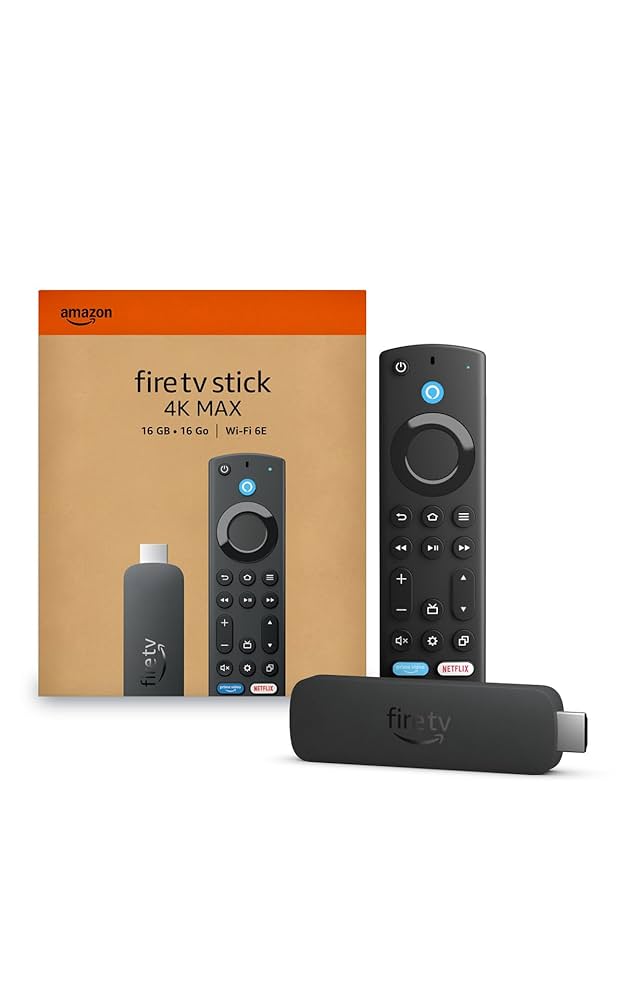
Amazon Fire TV Stick 4K Plus (newest model)
A 4K streaming device with listing-described Wi-Fi 6 support and AI-powered Fire TV Search.
(affiliate link)
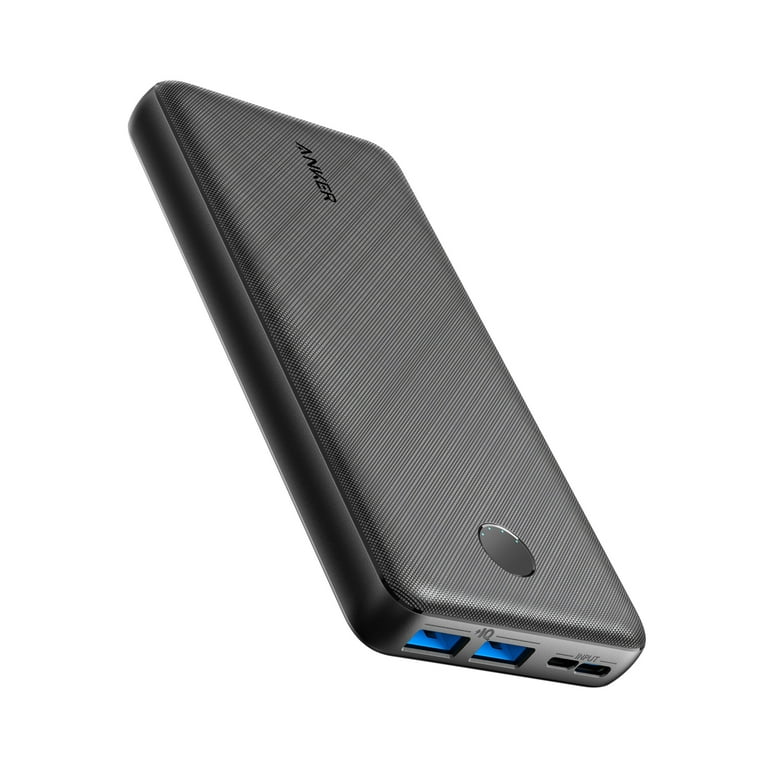
Anker 20,000mAh Portable Charger
Charges iPhone 15 nearly 5 times. Dual USB-A + USB-C outputs.
(affiliate link)
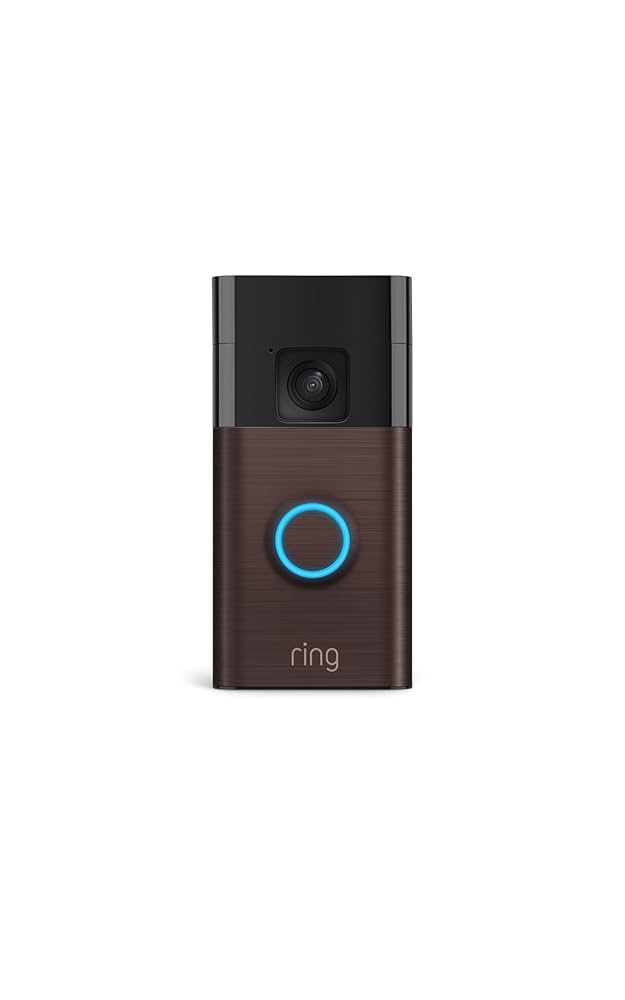
Ring Video Doorbell (2nd Gen)
1080p HD video, motion detection, two-way talk. No wiring required.
(affiliate link)
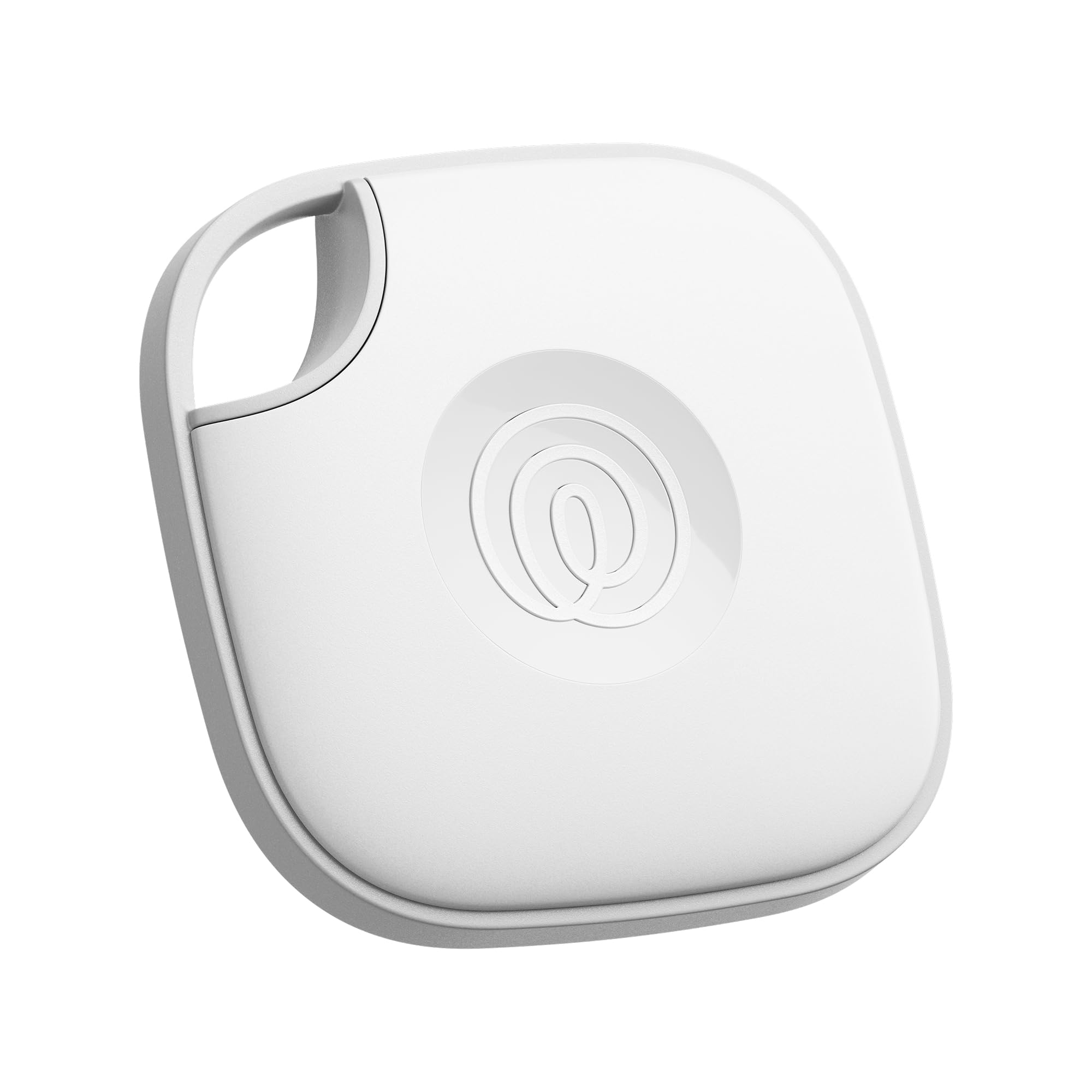
Tile Mate Bluetooth Tracker (4-Pack)
Never lose your keys again. 250ft range, works with Alexa and Google.
(affiliate link)
More Tech Articles
5 Best Portable Fans for Travel on Amazon (2026)
A research-based guide to five highly rated portable fans for flights, sightseeing, hotel desks, family trips, and power-available travel stops.
Tech5 Best Apartment Tech Essentials for Renters on Amazon (2026)
A research-based guide to five renter-friendly apartment tech essentials for portable automation, flexible lighting, simple air care, and safer-looking electronics organization.
Tech5 Best Dorm Room Tech Gadgets on Amazon for College Students (2026)
A research-based guide to five compact dorm-room tech upgrades for organized charging, morning routines, flexible lighting, simple automation, and downtime.